BrainPOP Jr. Redesign
Role: Lead Product Designer
The Problem
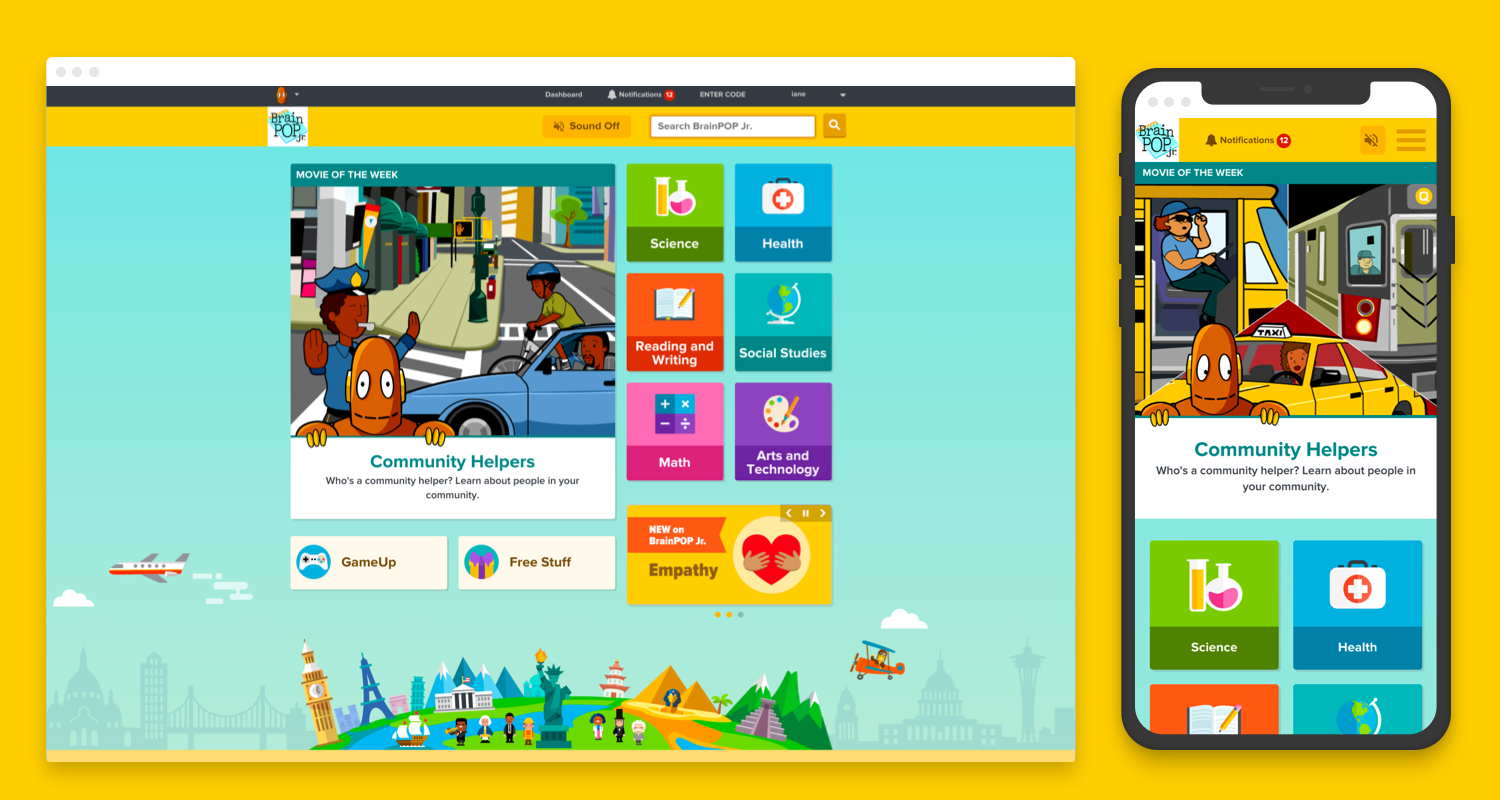
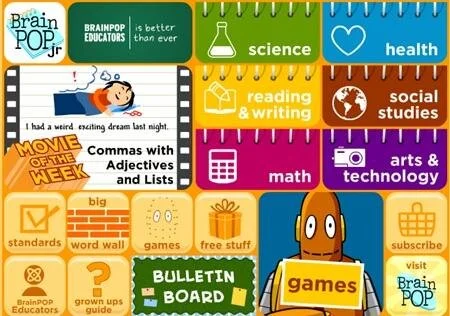
BrainPOP Jr. is outdated, not accessible, and not scalable. Released back in 1999 when Flash was still popular, the site has a very rigid and not mobile-friendly design.
My Role
As the Lead Product Designer for this project, I was given the task to redesign the site with these goals in mind:
• Modernize - Update technology and design for tablet and mobile touch-experiences.
• Scale - Create a scalable design to accommodate growing content types and tools.
• Evolve - Retire, recast, or evolve features that are less frequently used by customers, or no longer meet BrainPOP’s instructional design rigor.
• Make Accessible - Design and develop BrainPOP Jr. to meet WCAG Level A and Level AA standards.
Step 1: Research
First, I worked with the Product Manager and UX Researcher to set up a survey with current users to understand how teachers are using BrainPOP Jr. today, identify what is working for current customers and what isn’t, and explore how to evolve some features to a more useful tool that can suit class and individual needs. At the same time, I did a competitive analysis and heuristic evaluation to help turn data into tangible designs.
Step 2: Creative Exploration
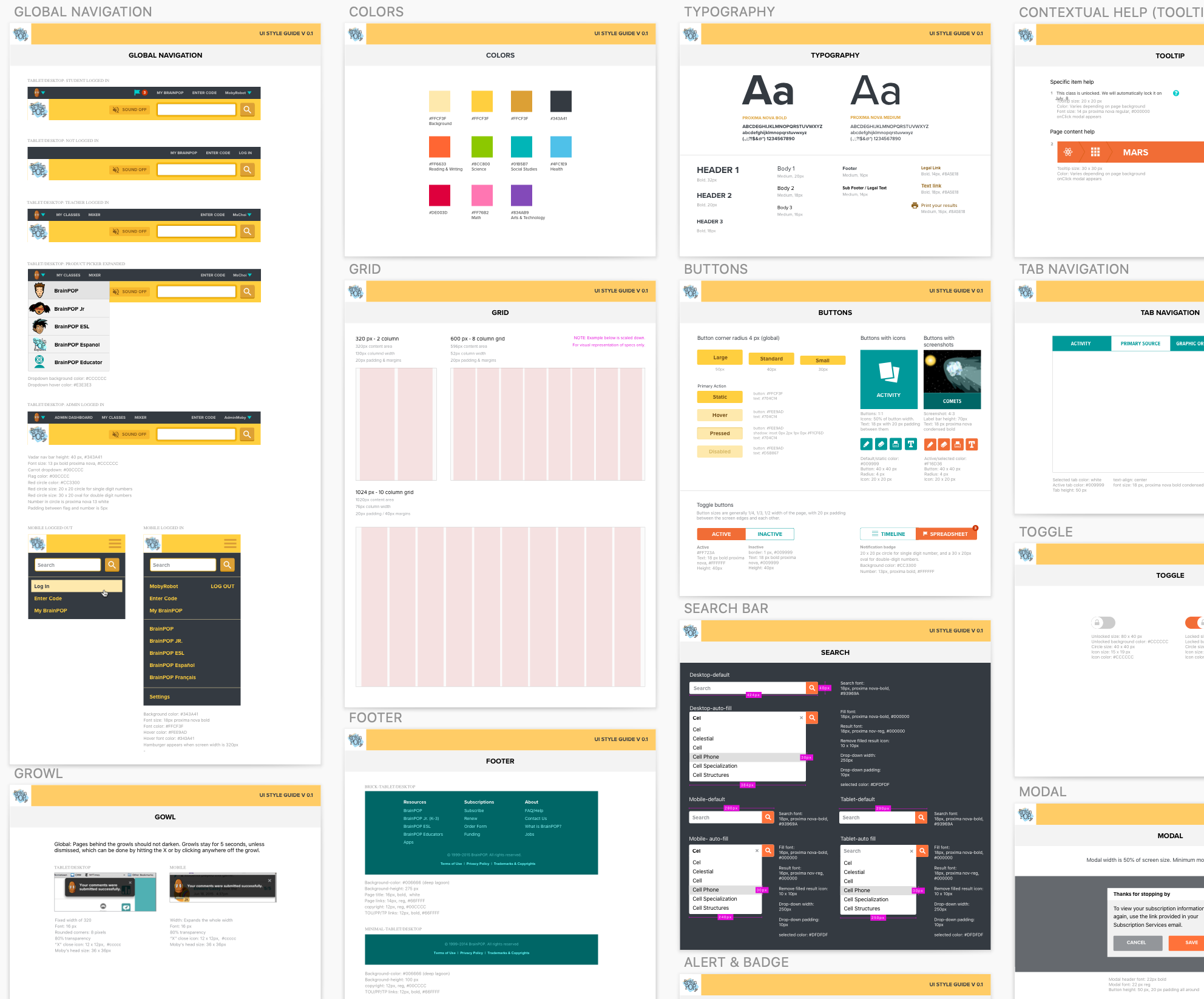
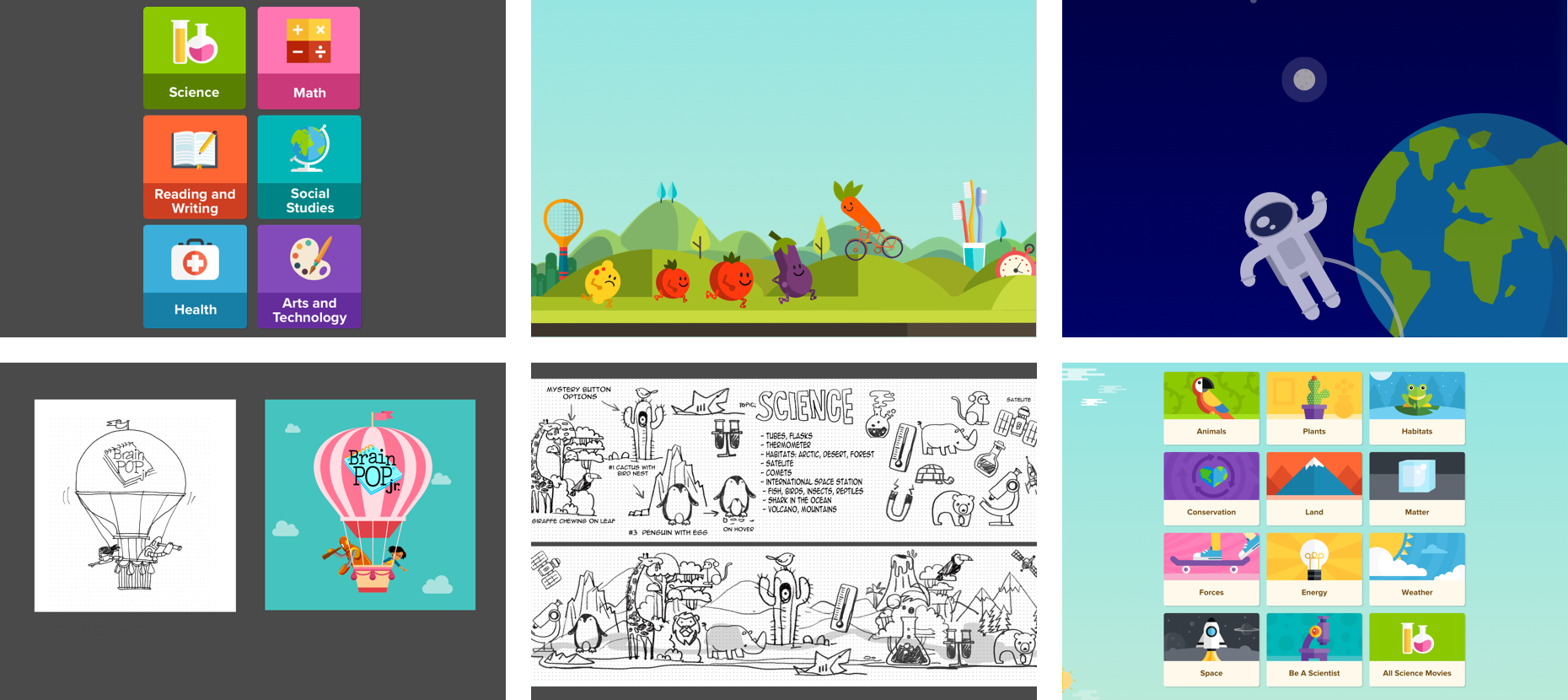
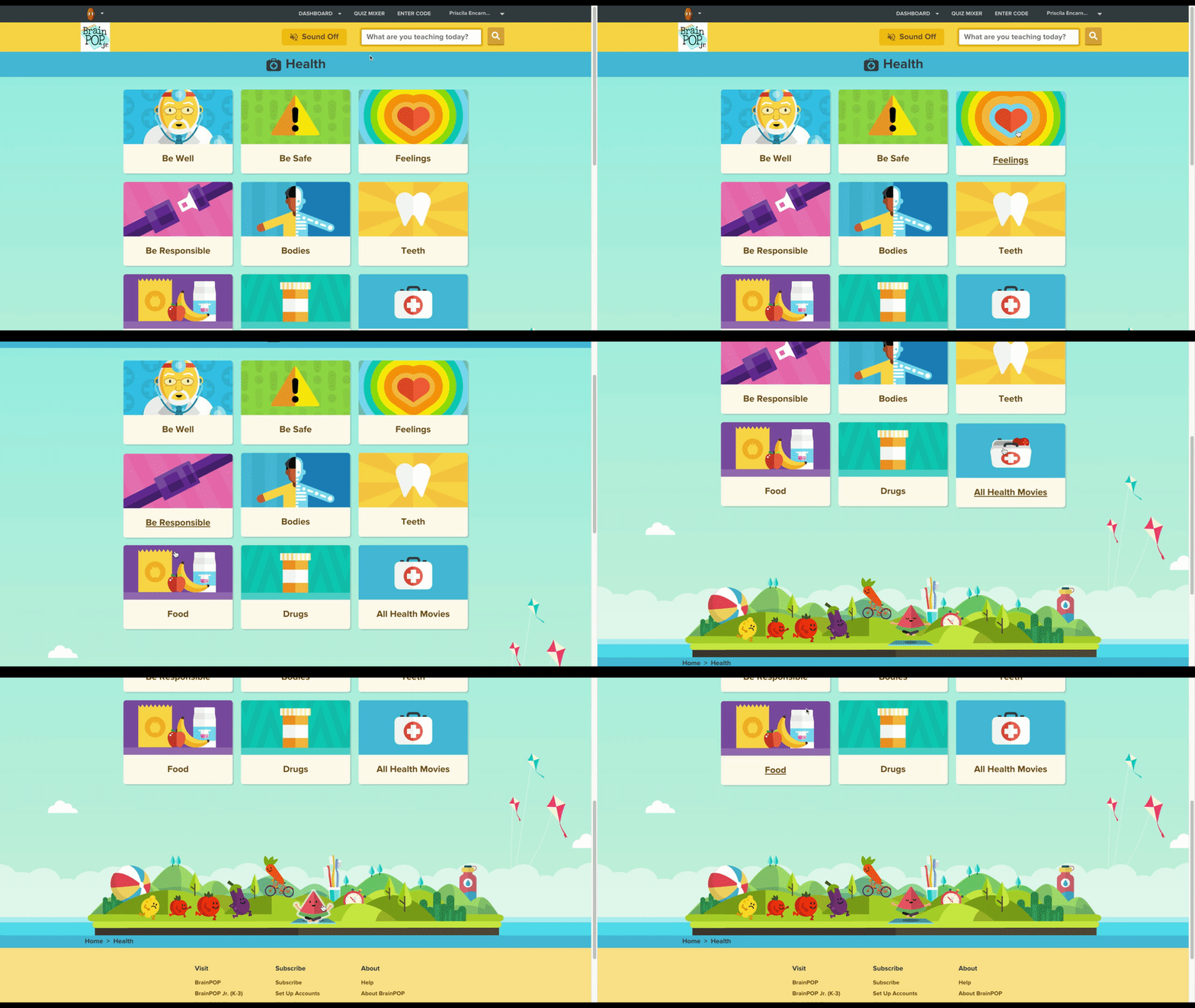
I created baseline design principles and a new color palette for the site. Working with an illustrator and an animator, we sketched some ideas on what style direction our graphics, icons, and animations should be. Once our sketches developed into more concrete ideas, the layout of the site became clear and the design took shape.
Step 3: Organize
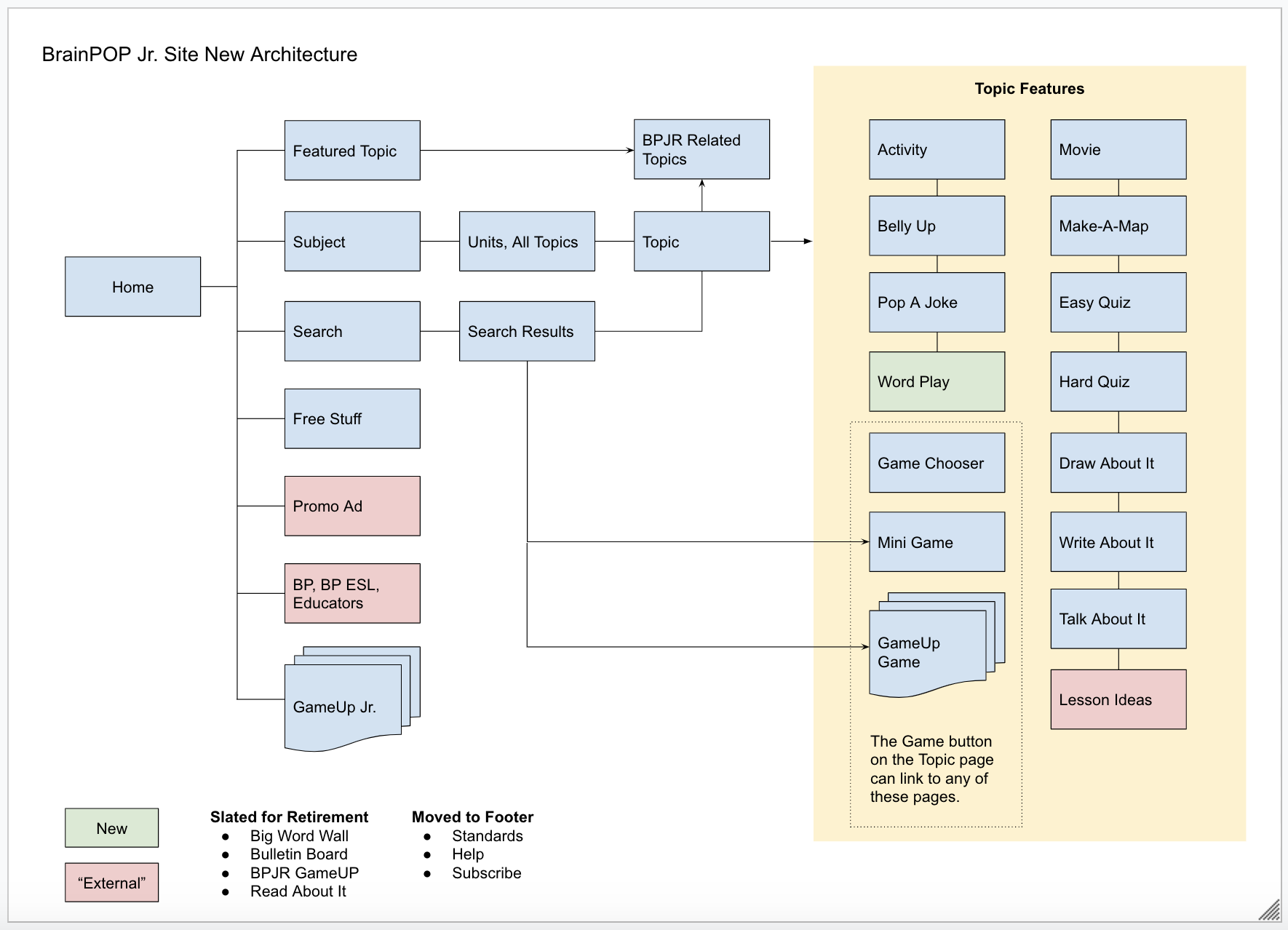
The next step is to document the future UX architecture of BrainPOP Jr. I worked with the Product Manager to do an audit of its features and look through data to figure out which features need to be converted, retired, recast, or redesigned.
Step 4: Brainstorm, Sketch, and Design
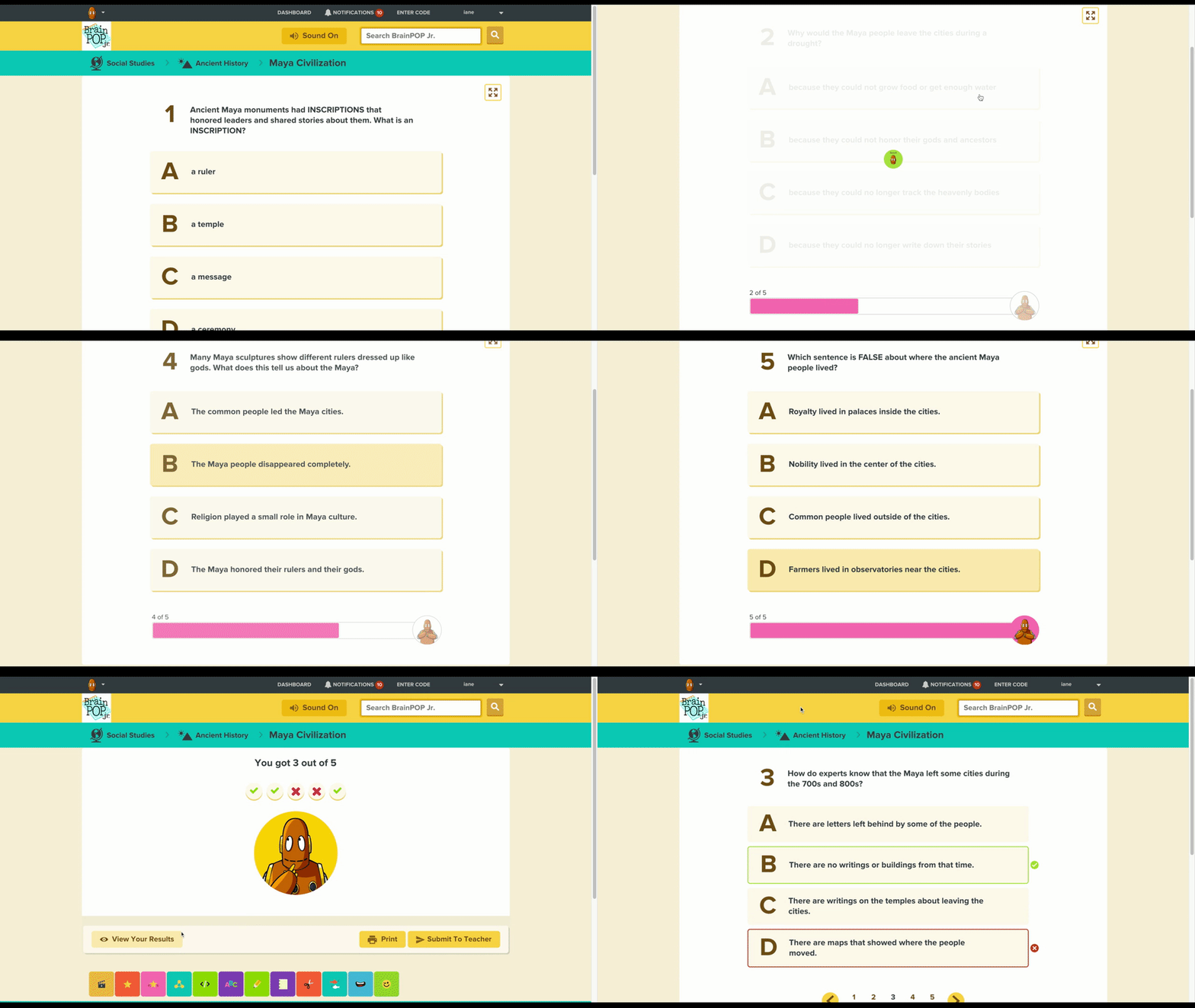
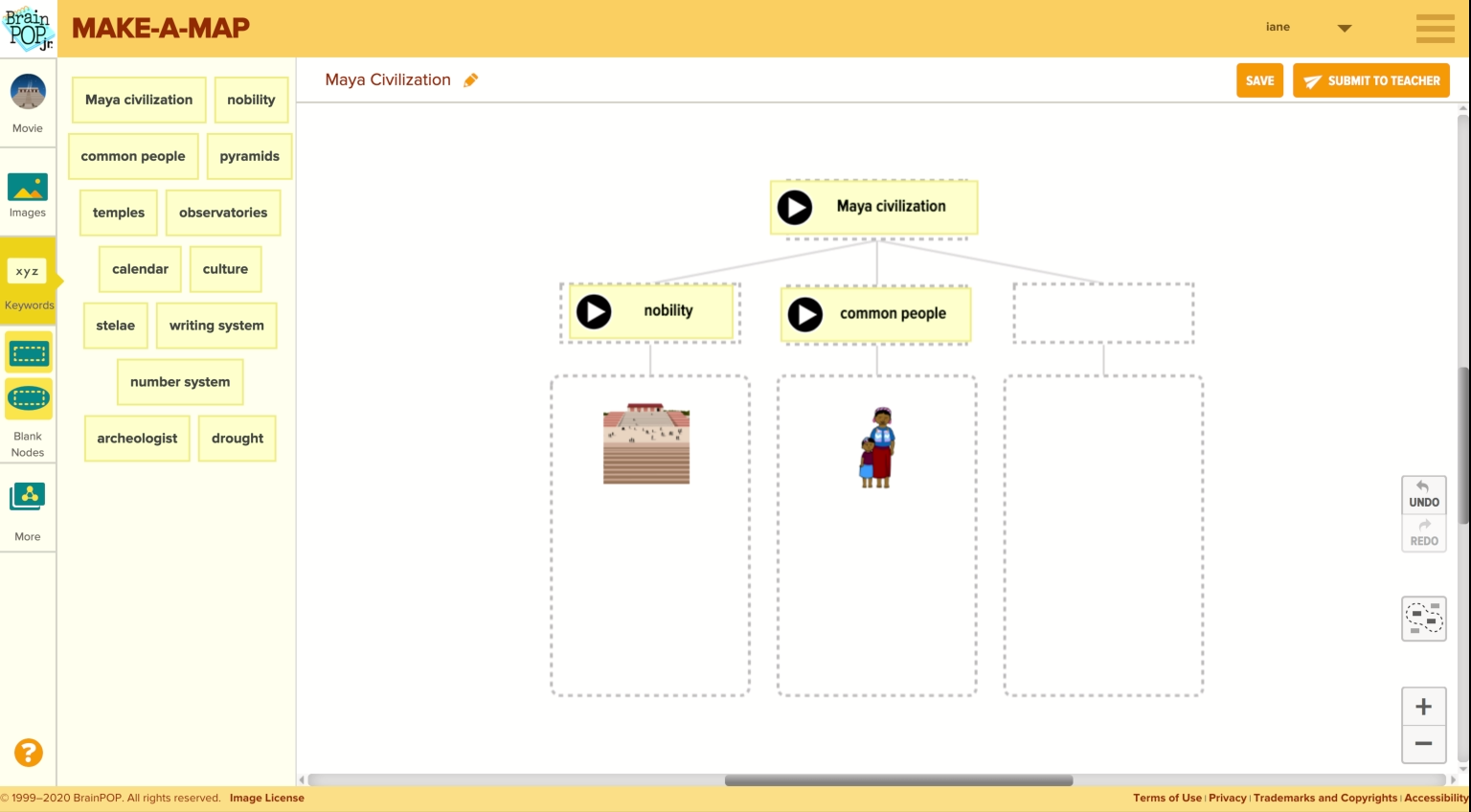
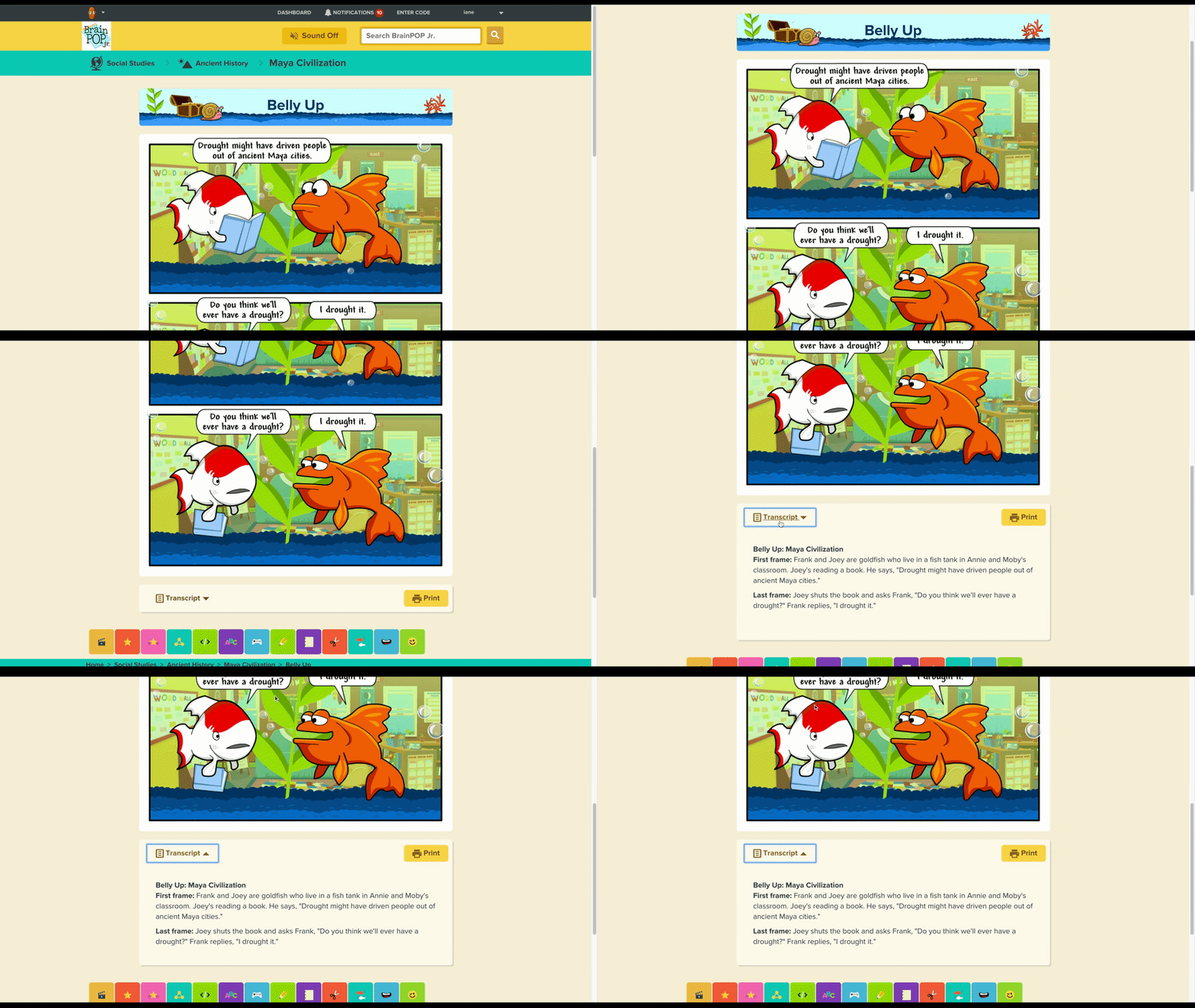
While the production designers and animators are busy working on the assets, I worked a lot with the product manager and the developer to come up with a plan. We had 8 features to convert from flash to HTML, 2 features to be revamped, and 2 new features to be created.
Some improvements and new features I worked on are:
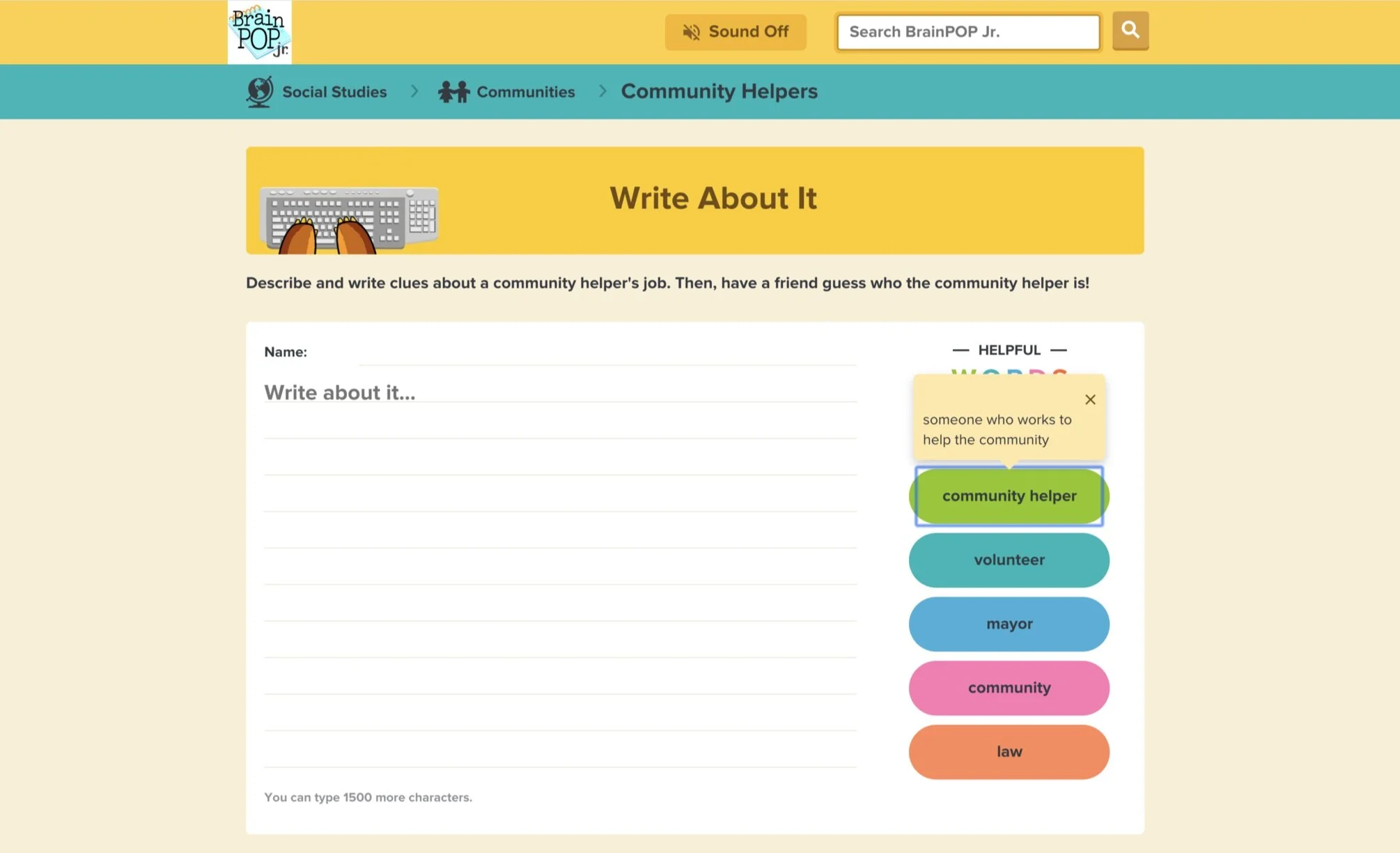
• Students will be able to explore key vocabulary words to use as they write their compositions.
• A richer drawing tool that will let early learners drag and drop shapes onto their drawings, and even pull in BrainPOP images.
• The new Word Play feature will enable students to explore and practice key vocabulary words through both drawing and writing – they can even create a skit using BrainPOP Jr. characters.
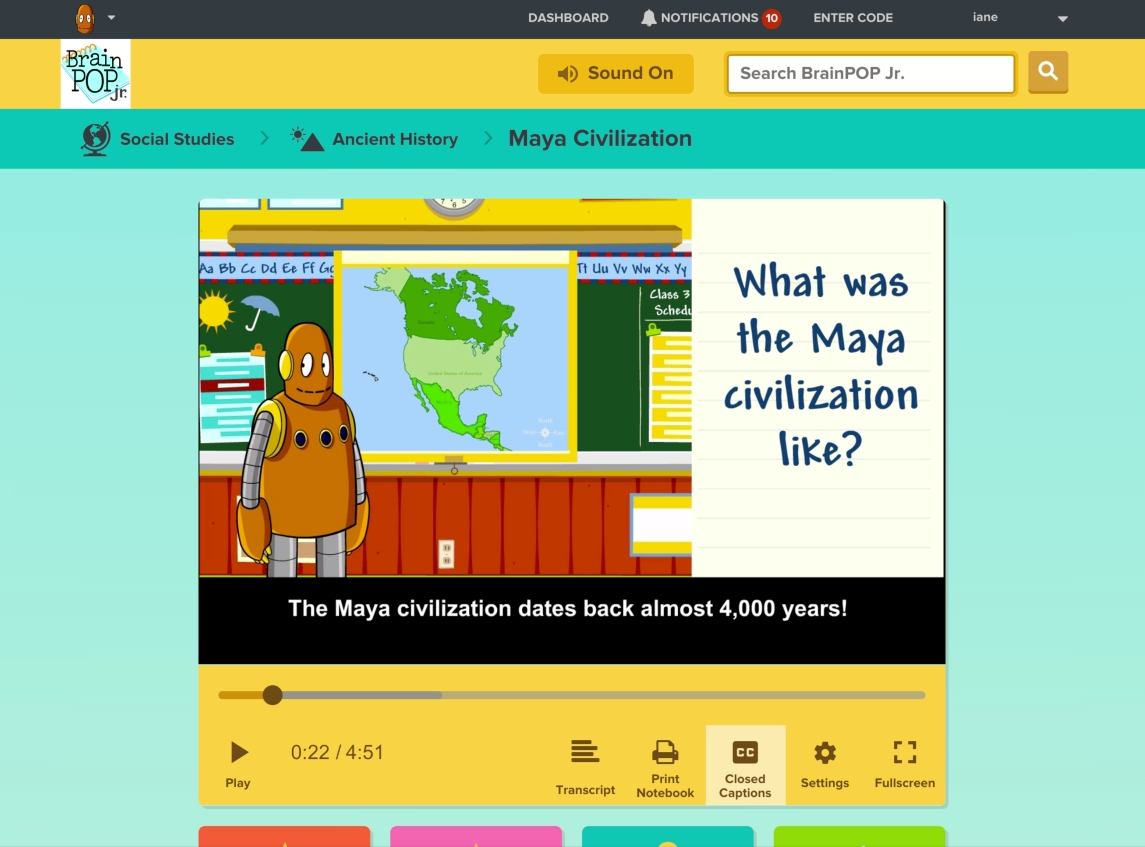
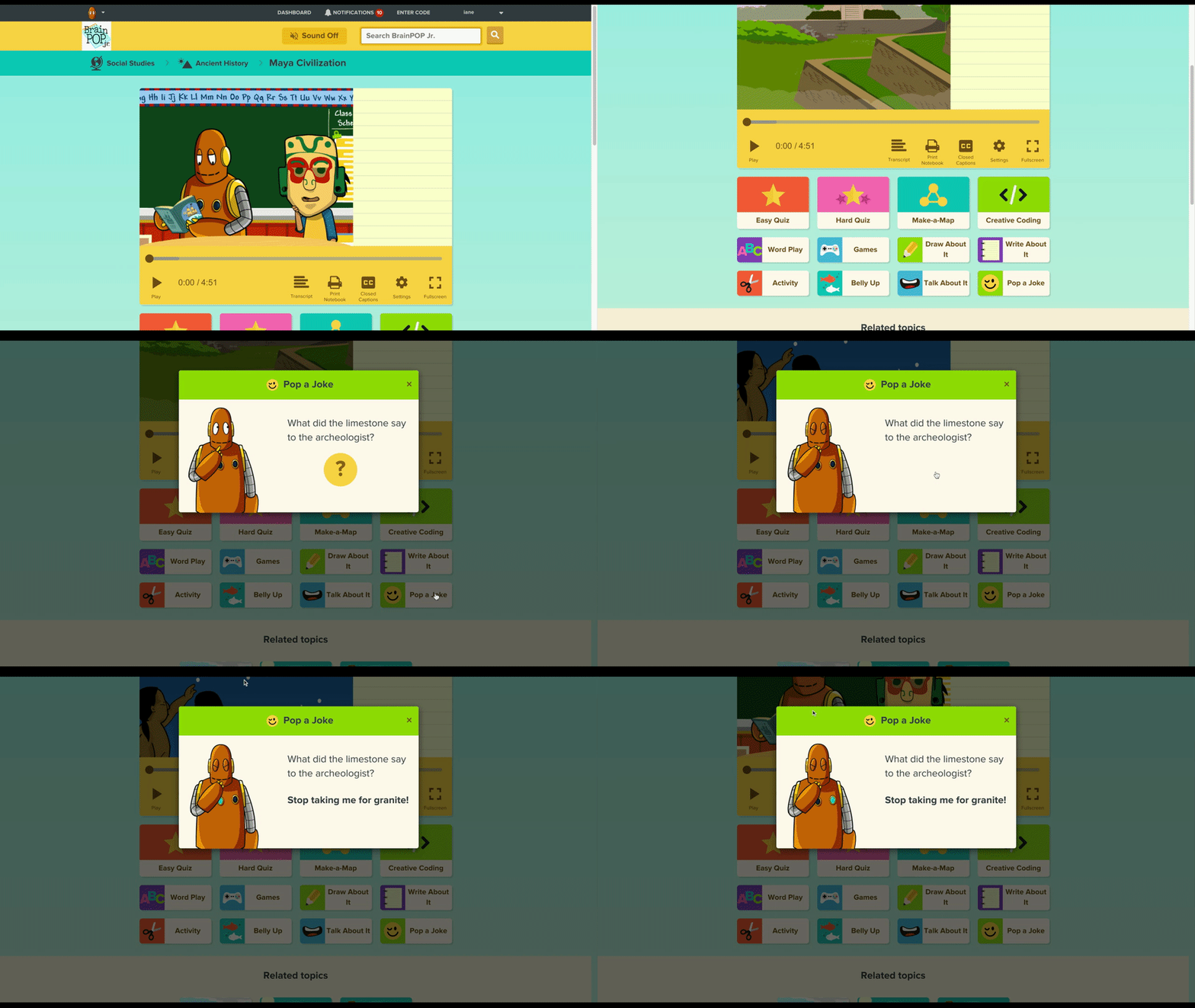
• A more accessible movie player that allows for closed captioning, movie transcript, and a pause button that lights up to indicate that BrainPOP is presenting a question that can be discussed.
Step 5: Testing and Next Steps
The team visited several classrooms and presented our prototype to teachers and K-3 students. Overall, we gathered that this new site is more fun and easier to use because it is simpler and clear. Teachers are happy that they can now use BrainPOP Jr. in class using their smart boards and tablets. For our next steps, we need to do more usability testing 1 on 1 with kids, especially about our topics navigation. Currently, students and teachers are using the search field to find a certain topic. We don’t have a place where our users can see our entire list of topics.
The Impact
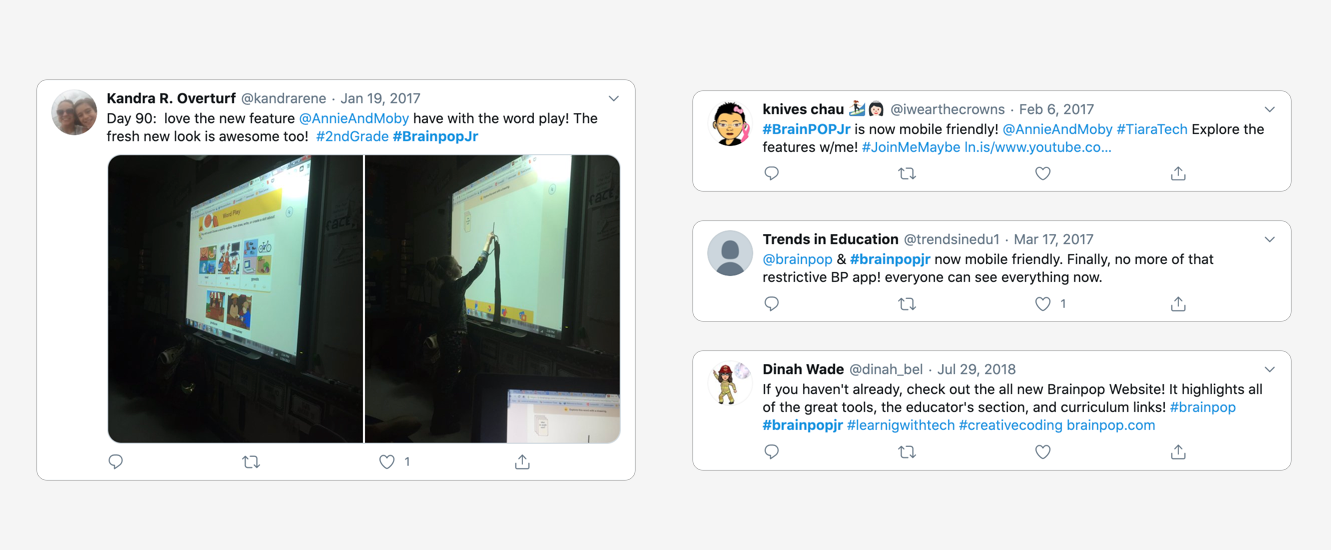
Since the new site launched, the number of student and teacher activities and logins increased 1000% over the previous year.